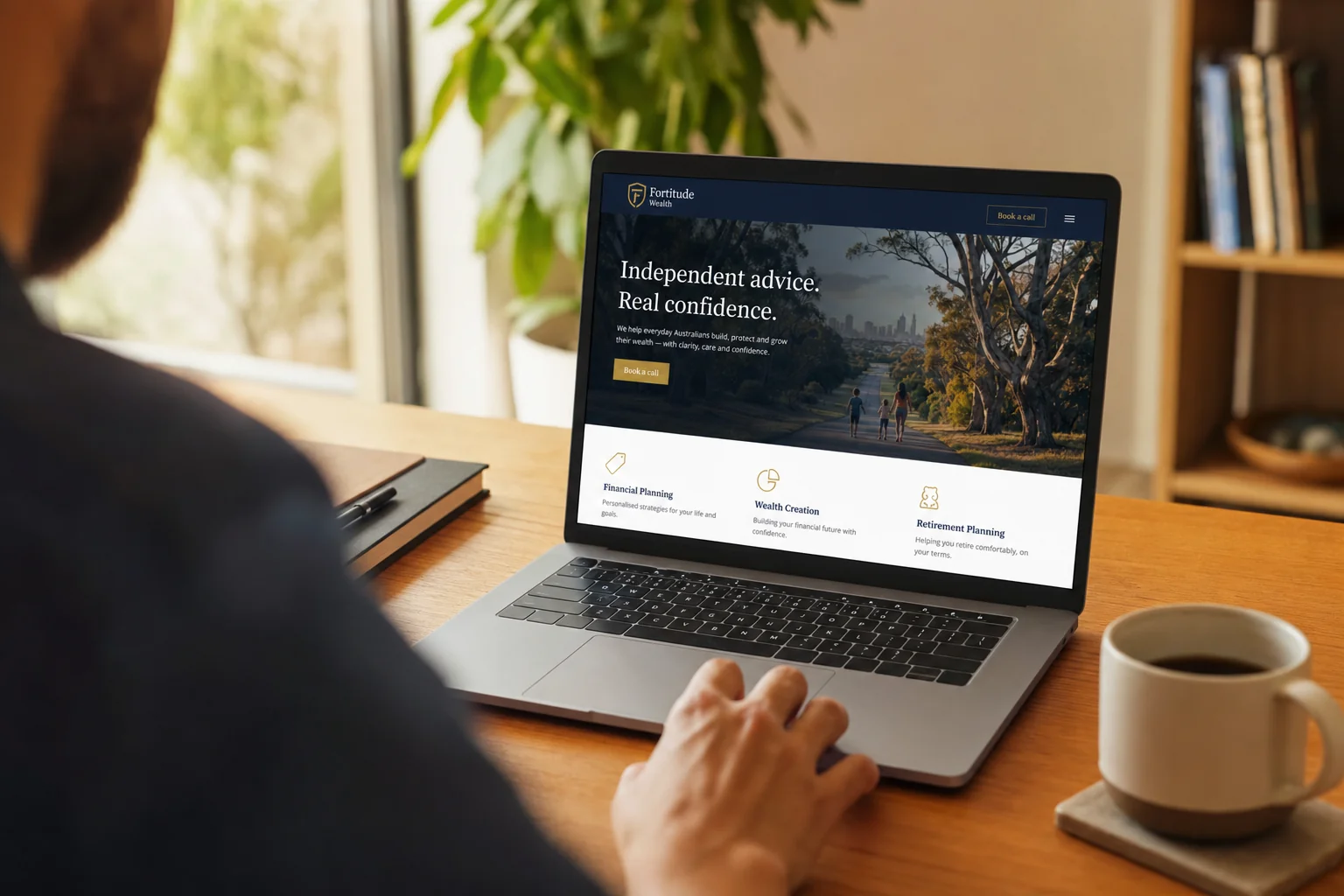
You're reading the page with the answer sheet. You know where the phone number is, what each service means and which button matters, while a customer lands on a phone, scans fast and leaves when the next step is unclear. The lost enquiry usually sits outside the bit you keep checking.
In short: A website looks fine and still loses enquiries when nobody finds it, the page is ignored, the contact path fails or the reply comes too late. The Australian Government Style Manual says people might scan only a fifth of a page before deciding whether to read it. Test the full enquiry path from someone else's phone before paying to redesign anything.
Why does my website look fine to me but not to customers?
You know too much about your own business. That sounds useful, right up until you're trying to judge the website built around it.
Say you run an electrical business in Chermside. You open the homepage on the office monitor, recognise the van, skim the services and spot the phone number because you've clicked it before. A new customer opens the same page on a phone with one question: does this business do the job in my suburb?
You also recognise the language. A service name that makes perfect sense inside the business means little to somebody who only knows the problem in front of them. You remember that the business covers the north side. They need to see it. You know the small button opens the quote form. They see a small button.
The Australian Government Style Manual says people scan a phone screen before focusing on the text. When they're looking for specific information, they scan for things such as a link, number or address. It also says people might read only a fifth of the page before deciding whether to continue.
The logo remains blameless.
The real test is whether a stranger identifies the service, location and next action without borrowing what you already know. That's why our work in website design Brisbane and Australia starts with the enquiry path. A pretty page with a hidden next step is still a hidden next step.
Is anyone finding my website at all?
When a website looks fine but no enquiries arrive, there are two very different problems: people aren't arriving, or they arrive and don't act. The repair depends on which one you've got.
That separates a visibility problem from a website conversion problem. They look identical from inside the business because both end with an empty inbox.
Google says it doesn't guarantee that every page will be crawled, indexed or served in search results. For local results, Google says the main factors are relevance, distance and popularity, and you can't pay for a better local ranking.
Fresh fonts have no special arrangement with Google.
Search for the business and the service as a customer would, then check the website analytics. If nobody arrives, start with SEO services in Australia or an SEO audit. If people arrive and disappear, keep following the path.
Start with observable evidence. Search the service and suburb, record which page appears, then compare that result with your analytics. Repeat the check on a mobile that isn't signed into the business account so saved history doesn't do you a favour.
Open the result a customer actually sees. If it lands on a generic homepage, check whether that page names the service and area clearly. If the useful service page exists but never appears, the fault sits before the enquiry form.
What happens when a customer tries to contact me from my website?
On your screen, the website looks fine. The contact path gets less attention than the homepage and has more chances to fail. The phone number is plain text instead of a tappable link. The form sends to an old inbox. A mobile button sits under a menu or asks for so much information that a quote starts to feel like paperwork.
ACMA reported that 97 per cent of Australian adults accessed the internet through a mobile phone in 2025. Testing the desktop version over office internet tells you very little about that customer's experience.
Say you run a fencing business in Redcliffe. A customer taps the number from the service page, gets nothing, fills in the form and sees a confirmation. The message lands in junk. Your website has performed a small piece of theatre in which everybody believes somebody else has the enquiry.
Send a real enquiry and trace where it lands. Check the phone number, form confirmation, receiving inbox and mobile button. These website mistakes are useful for the wider page check. If the customer needs to choose a time, test the online booking system for small business from the same phone.
Read the confirmation as a customer too. It should say that the message went through and what happens next. If it promises a reply that the team rarely manages, change the promise or change the process. The confirmation screen doesn't tell you whether anybody owns the inbox.
How fast should I reply to a website enquiry?
A working form only proves that the message left the website. It doesn't prove anybody saw it.
Business.gov.au gives 24 hours as a general rule for answering emails. If your business takes longer, it recommends publishing the expected turnaround on the contact page or in the automatic reply. That sets an honest expectation and gives the customer something more useful than silence.
Check who owns the inbox on busy days, after hours and when the usual person is away. If the website produces calls while the team is on tools or with customers, an AI receptionist answers in the business name, qualifies the enquiry and sends the record through. The same diagnosis applies to missed calls: first prove that calls are being missed.
Set one owner and one backup for website enquiries. The owner checks the receiving inbox and customer system; the backup covers leave and busy periods. Use an automatic reply to confirm receipt and state the real turnaround, but don't let the automatic reply become the reply.
Then test the handover from first message to booked call or quote. A lead leaves the website correctly and still vanishes between the inbox and diary.
How do I test my own website like a customer?
This website check takes one afternoon, away from the chair where the website was approved. Business.gov.au recommends testing links and menus on different devices, then asking customers what they struggle with. Do the plain version first.
- Open the website on someone else's mobile and find one specific service.
- Tap the phone number and check that the call starts correctly.
- Send the contact form, note where it arrives and time the reply.
- Search the business name with the service and check which page appears.
- Repeat the contact path on another phone or browser.
- Ask a recent customer what they found confusing or hard to locate.
Write down the first place the path breaks. Don't explain the website to the person testing it. The explanation is exactly what a real customer won't have.
Keep the order. If the business doesn't appear for the search, changing the form won't help the person who never reaches it. If the right page appears but the service area is buried, fix that before debating the button colour. If the form reaches an inbox nobody owns, the page has done its job and the process behind it hasn't.
After each repair, run the same task again from the beginning. Fix one button and the next failure appears. Run the full path every time.
| Leak | What you see | What the customer gets | Test |
|---|---|---|---|
| Not found | The homepage looks correct when you open it directly. | No useful page in the search they make. | Search the business with the service and suburb, then check whether the right page appears. |
| Found and ignored | The full page makes sense because you know the business. | A phone screen with no obvious service, location or next action. | Ask a stranger to find the service, area and contact route without help. |
| Contact fails | The button and form look normal. | A dead phone link, awkward form or message sent to the wrong inbox. | Tap, submit and trace the message to the place somebody checks. |
| Nobody answers in time | The website records an enquiry. | Silence or an unknown wait. | Time a real reply and compare it with the turnaround you publish. |
The table gives you four separate repairs. Treating all four as a design problem is how businesses end up changing colours while the old inbox still receives enquiries.
When is it the website, and when is it the follow-up?
The website owns the problem when customers can't find it, understand it or complete the contact step. The follow-up owns the problem when a valid call or message arrives and nobody responds. If calls arrive and nobody answers, a new website is the wrong purchase, and we'd say that even though LUNA Systems builds websites.
What should I fix first when my website gets no enquiries?
The useful boundary is simple. Ask where the evidence stops. If analytics show no visits, work on visibility. If a visitor reaches the page but can't tell whether you cover the suburb, repair the page. If the enquiry arrives and waits, assign the follow-up.
If the website looks fine but no enquiries arrive, fix the earliest proven leak. No useful search result means visibility first. Once the right page appears, make the service, suburb and next step clear before lengthening the form. Then prove the number and form work. More traffic belongs later, after one person owns the reply and has a backup.
Use the same test after each change and stop when the named fault disappears. That keeps a small repair small and gives a later rebuild a reason beyond taste. Keep the screenshots and timings so the next decision has evidence behind it.
If you want a second set of eyes on the path, Book a discovery call. We look at your current website before the call, which usually takes 15 to 30 minutes.
Frequently asked questions
How do I know whether anyone is finding my website?
Search for your business name and the service a customer would type, using a phone or browser that isn't already familiar with your business. Check whether the right page appears and whether the details match your current service area. Then look at your website analytics. If people aren't arriving, fix visibility before treating the homepage design as the main problem.
How can I test my website contact form?
Send a real test enquiry from someone else's phone and follow it all the way through. Check that the form is easy to complete, the confirmation appears and the message reaches the inbox or customer system somebody actually checks. Note how long the reply takes. Repeat the test on another device. A form that behaves in the office still needs a test on the phone a customer uses.
When does a website with few enquiries need a redesign?
A redesign makes sense when the website itself blocks important customer tasks and smaller repairs won't solve the underlying problem. When customers find the site, understand the offer, contact you and receive a timely reply, the cause sits elsewhere. If calls arrive but nobody answers, fix the follow-up. Buying a new website for that problem gives you a newer website and the same missed call.

Founder, LUNA Systems · Registered Nurse (AHPRA: NMW0002113429)
Former nurse and beauty therapist turned automation consultant. Justine builds custom AI systems for Australian service businesses, so they can stop chasing leads and start growing.
Want automation tips in your inbox?
Get weekly insights on business automation. No spam, unsubscribe anytime.