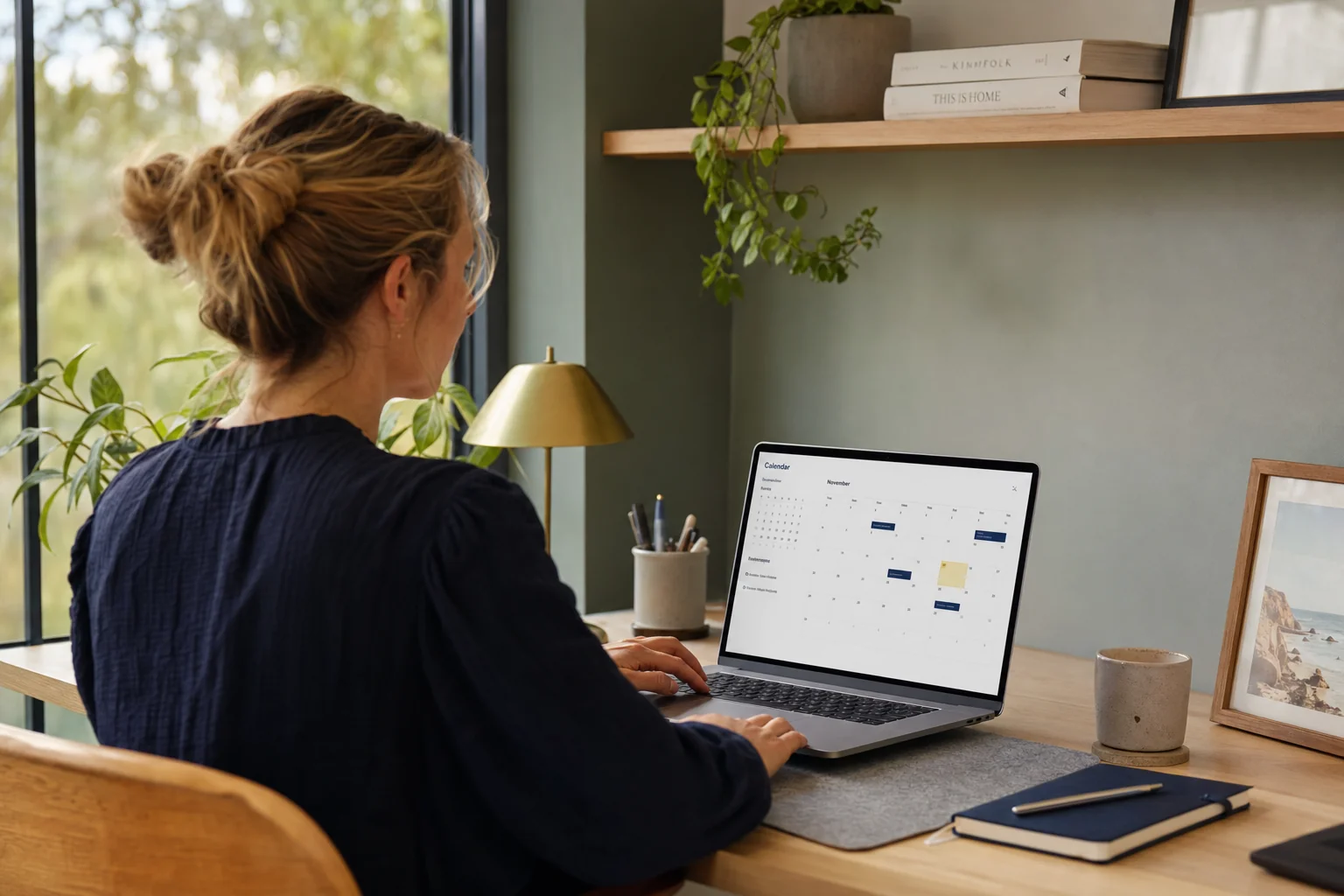
Picture this. It's 7pm. Priya owns a physio clinic. She's at the kitchen table with six browser tabs open. Cliniko. Halaxy. Power Diary. Calendly. Acuity. A spreadsheet a friend sent her with feature comparisons. Her two practitioners want a "proper booking system" by end of month. Her husband wants her to come and watch the news.
She's been at this for two hours and she's no closer to a decision than when she started. The tabs all look the same. They all promise "seamless" booking and "automated" reminders. The pricing pages all have three plans where the middle one is recommended. She can't tell what she actually needs versus what's a nice-to-have versus what's a marketing brochure.
This guide is for Priya, and for anyone in the same position. It's a buyer's guide to appointment booking CRMs for Australian service businesses, written in plain English, with the AU-specific rules and traps spelled out.
The first mistake most buyers make
Priya is searching for "booking software". She thinks she needs a calendar that customers can book into. She'll probably end up buying one, Calendly or Acuity or something Cliniko-shaped.
Then six months later she'll buy Mailchimp to send the marketing emails. Stripe to handle the deposits. A separate SMS tool because the reminders in her booking platform are clunky. Google Sheets to track which customers came back. Maybe a separate review-request tool. And eventually a CRM because she can't see the whole picture of any one customer in any one place.
The mistake is at the start. She's looking at booking-only tools when what her business actually needs is a customer relationship management system that happens to include booking. It's a different category of product. A booking tool manages a calendar. A CRM manages a relationship, and the booking is one event inside that relationship.
For a solo operator with 20 customers a week, a standalone booking tool is fine. Above that, the duct-tape approach gets expensive fast. Software fees, staff time stitching things together, and lost customers falling through the gaps between systems.
What an appointment booking CRM actually needs to do
Here's the working checklist. If a tool you're evaluating can't do these eight things in one login, it's a booking tool, not a CRM.
1. Online booking with new vs returning patient flows
A new patient fills in their details, signs a consent form, possibly pays a deposit. A returning patient just picks a time. The system should know the difference and not make the returning patient re-enter their date of birth every visit. Sounds obvious. Half the platforms fail at it.
2. SMS and email confirmations and reminders with configurable cadence
The default is one reminder 24 hours before. The reality is most no-show patterns need two: a 48-hour reminder and a 2-hour one. For long-cycle appointments (annual reviews, 6-month follow-ups), you also want a "we haven't seen you in a while" sequence. Configurable cadence isn't a luxury; it's one of the simplest ways to cut no-shows. Configurable reminder cadences are exactly what our booking automation service sets up.
3. No-show recovery
When a customer doesn't show, the worst response is a manual "did you want to rebook?" phone call three days later. The right response is an automatic SMS within two hours offering the next available slot with one-tap rebooking. Most platforms don't do this. The good ones win back some of those no-shows automatically.
4. Practitioner-level calendars with rooms and equipment
If you've got three physios sharing two treatment rooms, you can't book two physios into the same room at the same time. If your podiatrist needs the laser unit, the system needs to know the laser unit is booked too. Multi-resource scheduling is non-negotiable for any clinic with more than one practitioner. Booking-only tools handle staff calendars but rarely handle rooms or equipment.
5. Patient records with notes, files, and consents
Notes from the last visit. Referral letters. Signed consents. X-rays. Photos. The CRM should hold the whole patient story in one record, with the same access controls across bookings, notes, and files. Splitting clinical notes into one system and admin records into a booking platform creates a compliance risk and a daily friction tax on your team.
6. Payment and invoicing in one place
Tap-to-pay at the counter. Deposit at booking. Invoice after the visit. Medicare or HICAPS rebate if you're allied health or GP. The CRM should run all of this without bouncing between Stripe, Tyro, and a separate accounting platform. This is where automated payment and invoicing earns its keep. If your booking tool can't take payment, you're going to end up reconciling three systems every Friday afternoon.
7. Reporting that tells you what's working
Utilisation by practitioner. No-show rate by day of week. Revenue per practitioner per hour. Which referral source brought the most new patients last month. Most booking-only tools have decent calendars and terrible reports. A CRM should answer "how's the business going?" without exporting three CSVs into Excel.
8. Australian data residency and APP compliance
This is the one most buyers skip. Your customer data (names, contact details, health information, payment details) lives somewhere. The Privacy Act 1988 and the Australian Privacy Principles require you to know where it lives and to take reasonable steps to protect it, especially if it's stored overseas. Ask the provider where their database servers are. If the answer is Australia, that's clean. If it's offshore, you've got more compliance work to do, not less.
AHPRA and OAIC: what you can and can't do
For health practitioners, two regulators care about your booking CRM more than you'd expect.
AHPRA's advertising guidelines cover everything you say to a patient or prospective patient, including the copy in your booking page, your reminder SMS, your post-visit follow-up email, and your review-request messages. Testimonials about clinical aspects of care are out. Claims that aren't backed by acceptable evidence are out. Comparisons that suggest one practitioner is "better" than another are out. The software doesn't enforce any of this for you. The copy you type into the system is your responsibility.
A few practical things AHPRA-regulated practitioners get wrong with booking CRMs:
- Sending an automated "leave us a review!" SMS that links to Google. Reviews aren't testimonials in the strict sense, but a Google review that talks about clinical outcomes is, and if it sits on your business profile without challenge, that's a problem.
- Using before-and-after photos in confirmation emails. Tightly regulated for cosmetic and dermatology practitioners, most platforms don't warn you.
- Including practitioner specialties or qualifications that aren't strictly accurate. Your booking page is advertising.
The OAIC's Australian Privacy Principles cover patient data handling. The headline ones for clinic owners:
- APP 1: Have a privacy policy. Most clinics do. Most don't link it from the booking page where consent is being given.
- APP 5: Tell patients what you're collecting and why, at the point of collection. The booking form needs a short, plain-English notice, not buried in 14 pages of T&Cs.
- APP 11: Take reasonable steps to protect the data. This includes who at your CRM provider has access, where backups live, and what happens if there's a breach.
If the workflow also records calls or stores transcripts, the AI receptionist data-handling checklist shows the additional provider, storage, access, retention and deletion questions to document.
SMS reminders are usually fine under inferred consent, the patient has booked an appointment, so a reminder about that appointment is directly related to the service. Marketing SMS (newsletters, promotions, "we miss you" sequences) is different. That needs express consent and a working unsubscribe option, under the Spam Act 2003.
The integration trap
Here's how most clinic owners end up after 12 months of duct-tape:
- Calendly for booking
- Stripe for payments
- Mailchimp for marketing emails
- Cliniko or similar for clinical notes
- Twilio or a separate SMS tool for reminders
- Google Sheets to track which patients came back
- A reviews tool like NiceJob
- An accounting tool like Xero on top of all of it
Eight tools. Eight subscriptions. Eight logins. Eight integrations that break every time one of them changes their API. Eight places to look when you can't remember whether Mrs Wilson has paid for her last visit.
The duct-tape stack costs more than the sum of its subscriptions. The real cost is your front-desk team spending 45 minutes a day reconciling between systems, plus the customers who fall through the gaps. The deposit that never made it to Xero. The reminder that didn't send because the API connection broke. The follow-up that got missed because the patient was in Cliniko but not in Mailchimp.
The case for one connected system isn't about features. It's about the customer record being in one place, with everything that's ever happened with that customer attached to it. When Priya hires a new receptionist, she wants one login to onboard them with, not eight. The same lesson applies to trades businesses and the general small business case regardless of industry.
What LUNA Systems CRM does in this space
We sit on the "all-in-one" side of the argument. LUNA Systems CRM handles online booking, customer records with notes and files, configurable SMS and email reminders, no-show recovery, payments and invoicing, automated Google review requests, and reporting under one login.
We're not the cheapest, and we're not trying to be. We're the system you buy when you've already tried the duct-tape stack and you're done with it, or when you're starting fresh and you'd rather not learn that lesson the expensive way. Healthcare clinics, dental practices, allied health, trades, salons, and any service business booking appointments and looking after a customer relationship over time. That's who we built it for. If you want the case-by-case detail for a specific industry, that's on the industries page.
We've covered the operational side elsewhere in how dentists use it for reminder and review automation, and what clinic appointment automation looks like in practice. Pricing is custom-quoted after a quick discovery call, no PDFs to download, no "request a demo" hoop to jump through.
A 5-question decision framework
Before you sign with anyone, ask these. In writing. Save the answers.
- Where does my customer data physically live? Country. Cloud provider. Region. Get specifics.
- What does it cost to leave? Ask for a sample full data export during the trial. Confirm it includes notes, files, and financial history.
- What's the real all-in monthly cost for my size of business? Subscription plus SMS credits plus payment processing plus per-staff fees plus any "premium" features that turn out to be necessary.
- How does the platform handle the things that aren't bookings? Customer records. Marketing. Payments. Reviews. Reporting. If the answer is "you'd integrate with X for that", count the integrations.
- What does support look like? Phone? Email? Chatbot? Is it in Australian business hours? Is there a human, or is it a help article farm?
The platforms that answer these honestly are the ones to shortlist. The platforms that get defensive or vague are the ones to skip.
What Priya should do
Close five of the six tabs. Pick the one that answers the five questions above without flinching. Book a 20-minute call. Don't sign at 7pm on a Tuesday with the news on in the background. Sleep on it, and check whether the provider's data export actually works during the trial.
If you'd like a hand thinking through which way to go for your specific clinic or service business, that's what we do. Get in touch and we'll give you a straight answer, even if that answer is "you don't need us, you need a simple off-the-shelf tool".
Frequently asked questions
What's the difference between booking software and an appointment booking CRM?
Booking software lets a customer pick a time slot. An appointment booking CRM does that, then keeps the customer record, sends the reminders, recovers no-shows, takes the payment, and reports on what's working. The difference matters because a booking-only tool forces you to buy three or four other tools to handle the rest, and then stitch them together. A CRM with booking built in is one login, one customer record, and one source of truth for what's happening in the business.
Is a CRM necessary for a small clinic or trades business?
If you've got more than 30 customers and you book appointments, yes. The threshold isn't size, it's repeat business. Once you're trying to remember who needs a 6-month follow-up, who hasn't replied to a quote, and who paid which invoice, a spreadsheet stops working. To judge it for your business, set the monthly fee of a CRM against what a no-show costs you in lost income.
Are SMS appointment reminders legal in Australia?
Yes, but only with the customer's express or inferred consent under the Spam Act. Inferred consent usually applies when a customer has booked an appointment with you, the reminder is directly related to the service they've requested. Marketing SMS is a separate issue and requires express consent plus an unsubscribe option. Most reputable booking CRMs handle this distinction automatically, but the legal responsibility is yours, not the software's.
Where does my customer data live if I use an Australian booking CRM?
It depends on the provider. Some store data in Australian AWS or Azure regions. Some store it in Singapore or the US. For health practices, the Privacy Act's Australian Privacy Principles require you to know where personal information is held and to take reasonable steps to protect it overseas. Ask the question in writing before you sign. If the answer is vague, that's an answer.
Can I move my customer data out if I want to switch providers later?
Always ask this before signing. A good provider gives you a full CSV export of customers, appointments, notes, and financial records on request, at no charge. A bad one charges a fee, takes weeks, or doesn't include attachments and clinical notes. Lock-in by data hostage is a real cost. Test it: ask for a sample export during the trial.
How long does it take to set up a booking CRM properly?
For a solo operator, a weekend if you're organised and the tool is well-designed. For a multi-practitioner clinic with existing patient records to migrate, two to four weeks including data import, staff training, and a parallel-running period. Most clinics underestimate the parallel-running cost, for two weeks you're doing everything twice while you trust the new system. Budget for that, not just the subscription.

Founder, LUNA Systems · Registered Nurse (AHPRA: NMW0002113429)
Former nurse and beauty therapist turned automation consultant. Justine builds custom AI systems for Australian service businesses, so they can stop chasing leads and start growing.
Want automation tips in your inbox?
Get weekly insights on business automation. No spam, unsubscribe anytime.