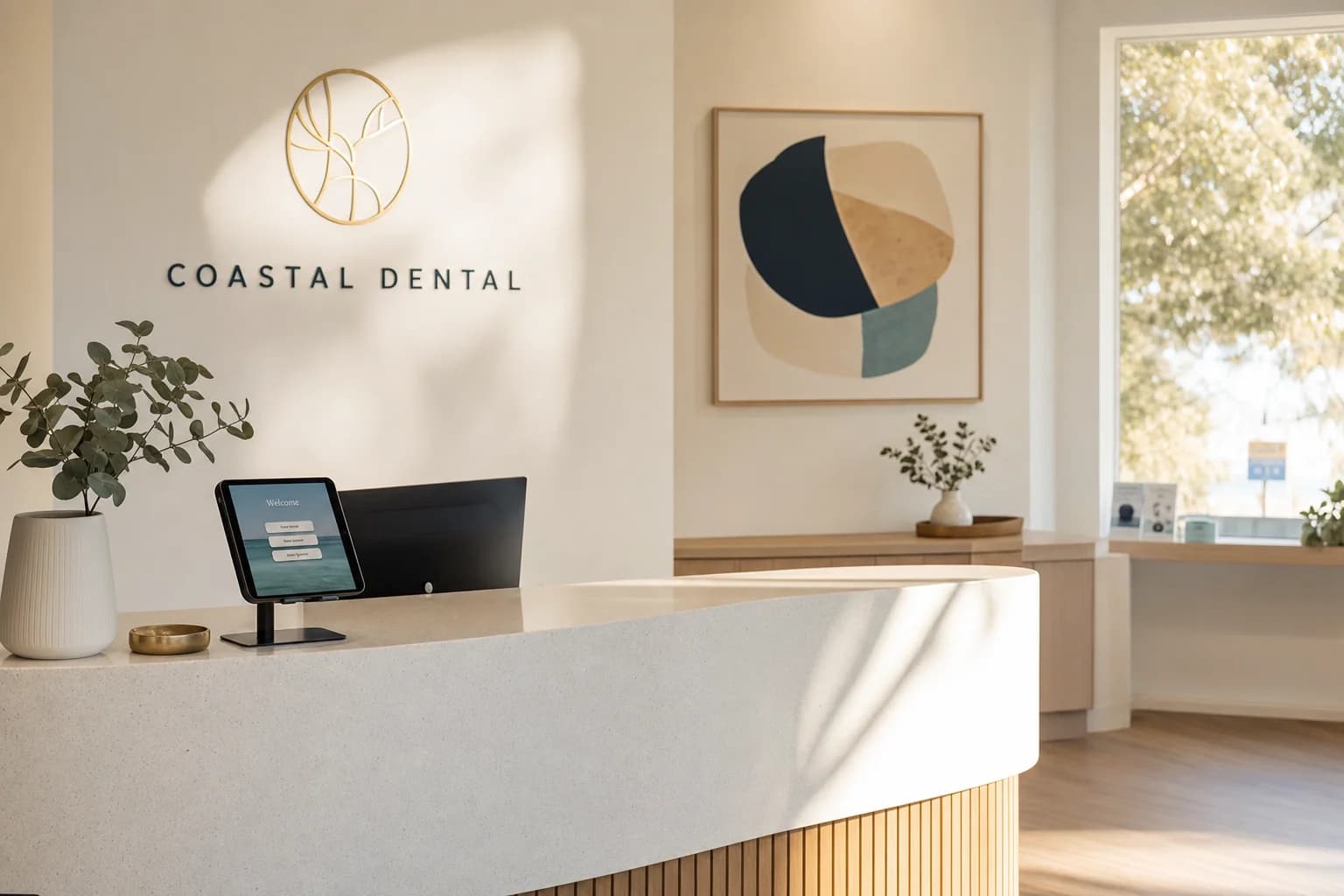
No-shows are one of the most common sources of lost revenue in a dental practice. Say one in ten booked patients doesn't turn up and your average appointment bills $300-$500: that is $3,000-$5,000 in lost revenue for every 100 appointments on the books. Empty chair time is the silent profit killer in dentistry, it costs you the same in rent, staffing, and overheads whether a patient shows up or not. The good news is that the most effective solution is also one of the simplest: text message reminders improve attendance at healthcare appointments (a Cochrane review found attendance of 78.6% with text reminders against 67.8% with none), and when combined with automated recall reminders and review requests, the impact on revenue and reputation compounds quickly. Practices using booking automation and review automation together typically recover the cost of the technology within the first month.
Why manual reminders are costing your practice money
Most dental practices still rely on reception staff to make reminder calls. Here is why that approach is failing:
It takes too long. A receptionist making reminder calls spends 30-60 seconds per patient. For a practice with 40 appointments per day, that is 20-40 minutes of phone time, assuming every patient answers. Most do not, which means follow-up calls, voicemails, and text messages sent one at a time.
It is inconsistent. When the front desk is busy with walk-ins, phone calls, and check-ins, reminder calls are the first thing that gets dropped. Monday mornings and Friday afternoons are the worst, exactly when you need reminders going out for the week ahead.
Recall reminders fall through the cracks. The six-monthly check-up reminder is critical for patient retention, but it requires tracking every patient's last visit and sending a reminder at the right time. When this is managed manually or through a basic spreadsheet, patients are missed and your recall rate drops.
Review requests depend on staff remembering. Your receptionist is supposed to ask happy patients to leave a Google review on their way out. In reality, this happens inconsistently. Patients agree in the moment and then forget by the time they reach their car.
How automated appointment reminders work for dental practices
Automated appointment reminders are SMS or email messages sent to patients at pre-set intervals before their appointment. A typical reminder sequence for a dental practice looks like this:
- Booking confirmation, Sent immediately when the appointment is booked (SMS + email)
- First reminder, Sent 48 hours before the appointment (SMS)
- Final reminder, Sent 2-4 hours before the appointment (SMS)
Each message includes the appointment date, time, and dentist name, along with a link to confirm, reschedule, or cancel. When a patient cancels through the link, the slot is immediately freed up and can be offered to patients on your waitlist, automatically.
The cost of empty chair time in an Australian dental practice averages $250-$400 per hour when you factor in rent, staffing, equipment, and consumables. Even reducing no-shows by a third translates to several thousand dollars per month in recovered revenue.
Automating recall reminders to bring patients back
The six-monthly check-up and clean is the foundation of dental patient retention. When patients lapse, they do not just miss one appointment, they often drift to another practice entirely.
Automated recall reminders track each patient's last visit and trigger a reminder sequence when they are due:
- First recall, Sent when the patient is due (typically six months after their last check-up)
- Follow-up, Sent two weeks later if no booking has been made
- Final nudge, Sent one month after the initial recall, often with a slightly different message
Each message includes a direct link to your online booking page, so the patient can book their next appointment in two taps without calling the practice. Automating recall reminders means no patient is missed because of a busy front desk, which has a compounding effect on patient lifetime value and chair utilisation.
Automating review requests after appointments
Google reviews are a major influence on how new patients choose a dentist. A practice with 200 reviews and a 4.8-star rating will consistently attract more new patients than a practice with 15 reviews and a 5.0 rating. Volume and recency matter as much as the score.
Research by the Consumer Policy Research Centre found that 70% of Australians surveyed consider online reviews as important as the opinions of friends and family. Yet most dental practices have far fewer reviews than they should, not because patients are unhappy, but because nobody asks at the right time.
Automated review requests solve this by sending a personalised SMS 1-2 hours after the appointment:
"Hi Sarah, thanks for visiting Smile Dental today. If you had a great experience with Dr Chen, we'd really appreciate a quick Google review. It only takes 30 seconds: [link]"
The timing is critical. Asking immediately after the appointment, while the experience is still fresh and the patient is feeling positive, tends to improve the response rate. Asking every patient consistently, rather than relying on staff to remember, is what builds a steady stream of reviews.
Send the same invitation to every patient, whatever you expect them to say. Asking only the happy ones, or steering unhappy patients to a private form instead of Google, is review gating, and Google prohibits it. A private feedback form can sit alongside the review request as an extra way to raise a concern, never as a filter in front of it.
Online booking: letting patients self-serve
Phone-based booking is a bottleneck for dental practices. Patients call during lunch breaks, exactly when reception may already be handling people at the desk. After hours, calls may go to voicemail or wait for the next working day. The dental virtual receptionist guide explains which calls can be handled administratively, which need a person and how booking, privacy and urgent-call pathways should be tested.
Online booking solves this by giving patients a link where they can see available appointment slots and book themselves in, 24 hours a day, seven days a week. The booking syncs directly with your practice management software, so there is no double-handling or risk of double-booking.
For dental practices, online booking typically handles:
- New patient appointments, Including intake forms that the patient completes digitally before arriving
- Check-ups and cleans, The most common booking type, easily self-served
- Follow-up appointments, Booked at the end of a visit or via a link in a follow-up message
- Emergency slots, Flagged for same-day or next-day availability
Practices that add online booking see a measurable shift in when bookings occur. A significant portion of appointments are booked outside business hours, evenings and weekends, representing patients you would have lost entirely if the only option was to call during reception hours.
Automating patient intake forms
Paper intake forms waste time for patients and staff. The patient fills out the same information they have provided before, and your receptionist then enters it into the system manually, introducing delays and data entry errors.
Digital intake forms are sent to the patient via SMS or email before their appointment. They complete the form on their phone, medical history, medications, allergies, Medicare details, health fund information, and the data flows directly into your practice management system.
For new patients, this reduces check-in time from 10-15 minutes to under two minutes. For returning patients, the form is pre-populated with their existing information and they only need to confirm or update.
What does this cost for an Australian dental practice?
The cost of automating reminders, recalls, reviews, and booking varies depending on your practice size, the number of dentists, your patient volume and the practice management software you already use. LUNA Systems quotes each dental practice individually after a discovery call, so there is no published price list.
Compare the quote to the cost of one missed appointment per day ($250-$500) or one lost patient who never returns for their six-monthly check-up (lifetime value of $3,000-$8,000). The return on investment is not subtle.
Frequently asked questions
Will automated reminders feel impersonal to my patients?
No. Automated messages are personalised with the patient's first name, their dentist's name, and the specific appointment details. Most patients prefer an SMS reminder over a phone call, it is less intrusive and they can action it in their own time. You control the tone and wording of every message.
Can I automate reminders if I use Dental4Windows or other Australian practice software?
Yes. Most automation platforms integrate with popular Australian dental practice management systems including Dental4Windows, EXACT, and Dentally. Your provider should confirm compatibility during setup and handle the integration for you.
How do I stop getting fake or competitor Google reviews?
Automated review systems send requests only to verified patients who have actually attended an appointment. This creates a steady stream of genuine reviews that dilute any illegitimate ones. The volume of authentic reviews also signals to Google that your reviews are trustworthy, which can improve your local search ranking.
What if a patient wants to reschedule instead of cancel?
Automated reminder messages include a reschedule link alongside the cancel option. When a patient reschedules, the original slot is freed for your waitlist and the new appointment is confirmed, all without your receptionist being involved.
How long does it take to set up automation for a dental practice?
Most practices are fully operational within one to two weeks. The setup involves connecting your practice management software, configuring your reminder sequences, setting up your review request template, and testing. Ongoing management is minimal, the system runs on its own once configured.
---
Dental practices that automate their reminders, recalls, and review requests consistently outperform those that rely on manual processes. The technology is proven, and the return is measurable within weeks.
Want to see how automation would work for your practice? Contact LUNA Systems and we will map out a setup tailored to your patient volume and existing software. We work with dental practices across Australia, from single-chair operations to multi-location groups, and specialise in website design for dentists alongside booking and review automation.

Founder, LUNA Systems · Registered Nurse (AHPRA: NMW0002113429)
Former nurse and beauty therapist turned automation consultant. Justine builds custom AI systems for Australian service businesses, so they can stop chasing leads and start growing.
Want automation tips in your inbox?
Get weekly insights on business automation. No spam, unsubscribe anytime.