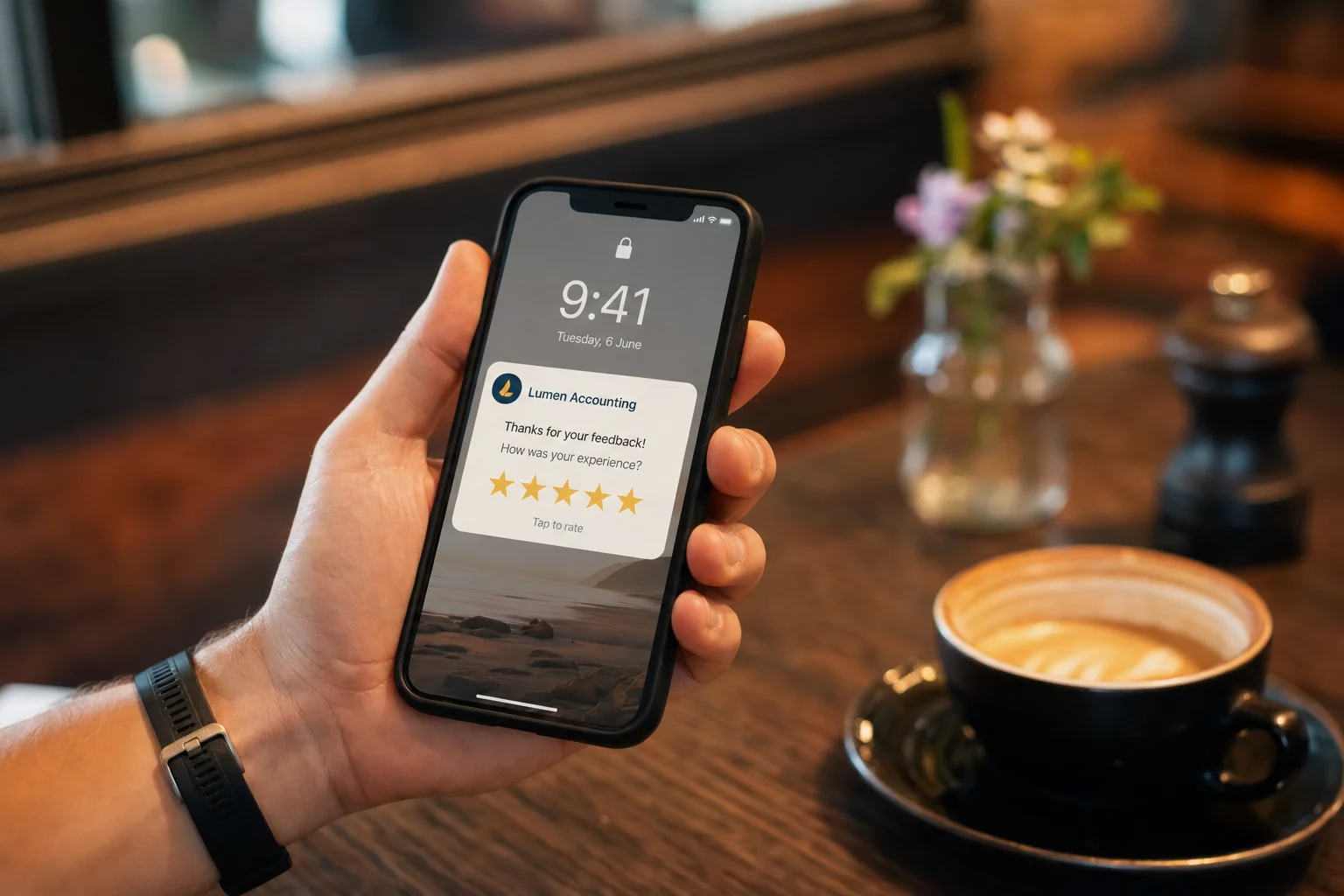
Asking customers for a Google review is one of the highest-return things a service business can do, and one of the first things that falls off the list when you get busy. So people automate it. Then they paste in a template that opens with "Dear Valued Customer" and wonder why nobody replies.
The problem is not automation. Automation is the only way the asking actually keeps happening past the busy weeks. The problem is that most automated review requests sound like they were written by a machine for a machine, and customers can smell it from the subject line. The trick is automating the timing and the sending while keeping the message human.
This is how to set up review requests that run themselves without reading like spam, and why reviews are worth this much fuss in the first place.
Key takeaways
- The problem with automated review requests isn't automation, it's that most sound machine-written from the subject line.
- Automate the timing and sending, keep the message human: send within 24 hours, use the customer's name and a specific job detail, skip "Dear Valued Customer".
- Automation is the only way the asking keeps happening past the busy weeks, which is exactly when reviews matter most.
- LUNA Systems automates review requests to trigger the moment a job is marked complete, an invoice is paid, or a set number of hours after the appointment, while keeping the wording personal instead of templated.
Why reviews are worth automating at all
Reviews are the second-largest input into local search ranking, behind only how complete your Google Business Profile is. They feed both how trustworthy you look and how relevant you are, because customers describe your service in their own words, often using the exact phrases other people search for.
But the part that makes automation essential is recency. Most consumers only trust reviews from the last month or so, and a steady flow of fresh reviews signals an active business far better than a big pile of old ones. A steady flow is precisely the thing humans are bad at maintaining by hand. You will do it brilliantly for two weeks, then a job runs late and it stops. LUNA Systems' review automation setup exists for exactly this reason: to keep the trickle going when you forget.
Send the ask at the right moment
The biggest lever is timing, not wording. The best moment to ask is right after the customer has felt the value: the job is finished and they are happy, the appointment went well, the problem is fixed. Ask then, while the good feeling is fresh, and your reply rate climbs.
Automation is what makes this timing reliable. A workflow can trigger the request when you mark a job complete, when an invoice is paid, or a set number of hours after an appointment, automatically, every time, without you remembering. That is the whole advantage: not that it sends more messages, but that it sends them at the right moment, consistently.
Write like a person, not a brand
Here is where most automated requests fall down. They open with "Dear Valued Customer", thank you for "choosing us for your service needs", and ask you to "kindly leave us a 5-star review". Nobody talks like that, and customers know a template when they see one.
Write the message the way you would actually text a regular. Short. First name. Plain. Something like: "Hi Sarah, thanks for having us out today, glad we got the hot water sorted. If you've got 30 seconds, a quick Google review really helps a small business like ours. Here's the link." That is it. It works because it sounds like a human who is genuinely grateful, not a marketing funnel.
Automation does not force the robotic tone, people choose it because they think "professional" means stiff. You can automate a warm, casual message just as easily as a cold one.
The difference is easiest to see side by side. Same automation, same merge fields, opposite result:
| The robotic version | The human version |
|---|---|
| "Dear Valued Customer, thank you for choosing us for your service needs." | "Hi Sarah, thanks for having us out today." |
| "We would greatly appreciate it if you could kindly take a moment to leave us a 5-star review." | "If you've got 30 seconds, a quick Google review really helps a small business like ours." |
| "Your feedback is important to us. Please click the link below to complete our review process." | "Here's the link, it takes about a minute." |
| Sent 3 days later, generic, no job detail | Sent 1 to 2 hours after the job, names the actual work done |
Both can be fully automated. The one on the right just uses the customer's first name, a real detail from the job, and the tone you would actually use in a text. Nothing about automation forces the left-hand column, it is a writing choice, and it is the difference between a request that gets ignored and one that gets a reply.
Review request templates you can copy
These are built to be merge-field driven, so `[first name]` and `[job detail]` populate automatically from your CRM while the message still reads like a person wrote it. Swap the detail for your trade.
SMS, trade or home service:
Hi [first name], thanks for having us out today, glad we got the [job detail] sorted. If you've got 30 seconds, a quick Google review really helps a small business like ours: [review link]
SMS, clinic or salon:
Hi [first name], lovely to see you today. If you're happy with how things went, a short Google review would mean a lot to the team: [review link] No worries at all if you'd rather not.
Email, professional services:
Subject: quick favour, [first name]? Hi [first name], Thanks again for [job detail] this week. If it was a good experience, would you mind leaving us a quick Google review? It genuinely helps other people find us: [review link] Either way, thanks for your business.
The follow-up (send once, 3 days later, only if they didn't leave one):
Hi [first name], no pressure at all, just following up in case my last message got buried. If you've got a spare minute, here's that review link: [review link]
One follow-up is the sweet spot. A second nudge starts to feel like pestering, and the automation should stop there.
Make it one tap
Every extra step loses people. The message should contain a direct link straight to your Google review form, not "search for us on Google and leave a review". On a phone, that link should open the review box in one tap. If a customer has to go and find you, most will not bother, no matter how happy they are.
This is also why getting the rest of your profile right matters: the review link only helps if the profile it points to is complete and convincing. The two go together, which is part of why Google Business Profile management and review automation are usually set up as one job.
Do not buy reviews, and do not gate them
Two things to avoid, because they can get your profile penalised or your reviews wiped. First, never buy reviews, Google detects fake patterns and the cleanup is brutal. Second, do not "gate", that is, do not screen for happy customers and only send the review link to those. Sending the same honest ask to every customer is both within Google's rules and, frankly, more useful, because a handful of fair criticisms makes the good reviews look real.
A steady stream of genuine reviews, including the occasional four-star, is worth far more than a suspicious wall of perfect fives that arrived in one week.
Reply to every review, and you can partly automate that too
Replying to reviews is a public signal that you are paying attention, and businesses that reply to most of their reviews see a measurable ranking lift. You can use templates as a starting point for replies, but personalise each one, name the customer, mention the job, because a visibly copy-pasted reply is almost as bad as no reply. The asking can be fully automated; the replying should be assisted, not autopiloted.
If managing the whole loop, ask, link, follow up, reply, sounds like a part-time job, that is because by hand it is. Handing it to a workflow that runs itself is the point.
The honest summary
Automating review requests is not the problem; sending robotic messages is. Automate the timing so the ask actually happens, every job, at the right moment. Write the message like a human texting a friend. Make the review one tap away. Never buy or gate reviews. Reply to all of them, personally.
Do that and you get the thing that genuinely moves local rankings: a steady, recent, believable flow of reviews, without having to remember. We build review loops that bring our clients more reviews every week, on autopilot. Book a free strategy call and we will set yours up so the reviews just keep coming.
Frequently Asked Questions
Is it against Google's rules to automate review requests?
No. Automating when and how you send a review request is fine. What breaks the rules is buying fake reviews, or "gating", only sending the review link to customers you expect to be happy. Send the same genuine ask to every customer and you are well within Google's guidelines.
When is the best time to ask for a review?
Right after the customer has felt the value, the job is done and they are happy, the appointment went well, the problem is fixed. Asking while the good feeling is fresh gives the highest reply rate. Automation makes this reliable by triggering the request the moment you mark a job complete or an invoice is paid.
Why do my automated review requests get ignored?
Usually because they read like a template. "Dear Valued Customer" and "kindly leave us a 5-star review" signal a marketing funnel, and people tune them out. Rewrite the message the way you would text a regular: short, first name, plain, with a one-tap link. Warm and casual gets replies; stiff and corporate does not.
How many Google reviews should I be getting?
Aim for a steady, sustainable flow rather than a target number. Recency matters more than total count, a few new reviews each week beats a large batch that all arrived years ago. Consistency is what signals an active, trusted business to both customers and Google.
Should I reply to every review?
Yes. Replies are public and show you are paying attention, and replying to most of your reviews gives a measurable ranking lift. Personalise each reply, name the customer and the job, rather than pasting the same line, because an obviously copied reply reads almost as poorly as no reply at all.
If you would rather not run this loop by hand, book a free strategy call. We will build you review requests that sound human and keep your rating climbing.
More frequently asked questions
How do you automate Google review requests without sounding robotic?
Automate the timing and the sending, but keep the message human: send within 24 hours of finishing the job while the experience is fresh, use the customer's name and a specific detail about the work, keep it short and conversational, and avoid template openers like 'Dear Valued Customer'. The automation handles when and how the ask goes out; the wording stays personal.
When is the best time to send an automated review request?
Within about 24 hours of completing the job, while the experience is still fresh. Response rates drop sharply after a few days. Sending immediately on job completion, triggered automatically, captures the highest reply rate without you having to remember.
Why automate review requests instead of asking manually?
Manual asking is the first thing that falls off the list when a service business gets busy, exactly when reviews matter most. Automation is the only way the asking keeps happening past the busy weeks, which is what builds a steady, recent stream of reviews rather than occasional bursts.

Founder, LUNA Systems · Registered Nurse (AHPRA: NMW0002113429)
Former nurse and beauty therapist turned automation consultant. Justine builds custom AI systems for Australian service businesses, so they can stop chasing leads and start growing.
Want automation tips in your inbox?
Get weekly insights on business automation. No spam, unsubscribe anytime.