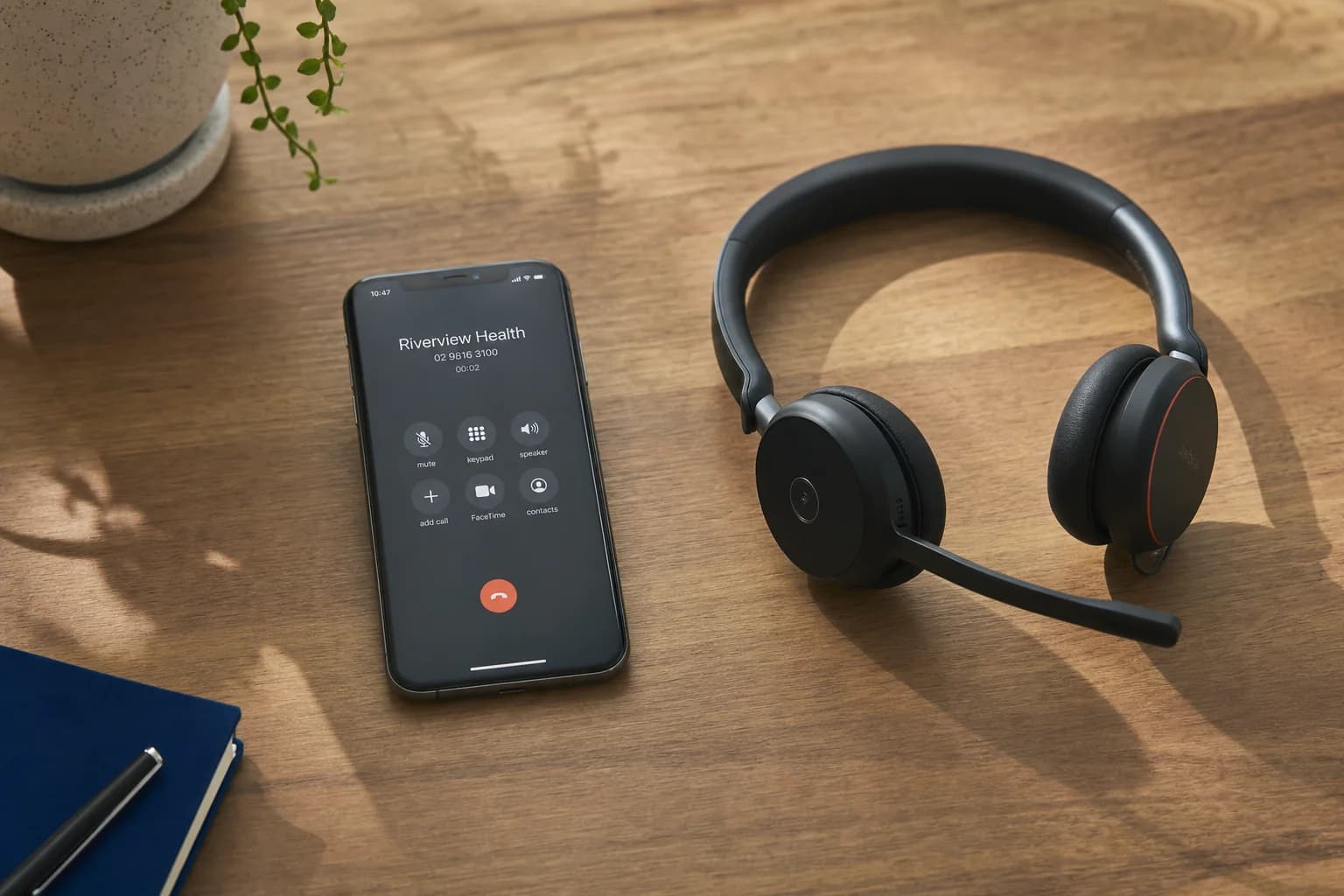
A customer rings your business wanting to book. If you're not there to answer, that call either goes to voicemail (and most people hang up rather than leave a message) or it goes to an AI receptionist that can check your calendar and book them in on the spot. The second option sounds simple from the outside. Underneath, there's a defined sequence of steps that determines whether the booking actually lands correctly, whether it clashes with something else, and whether the customer trusts the process enough to show up.
This is a look at the actual mechanics, not the sales pitch, so you know what you're evaluating if you're comparing systems for your own AI receptionist.
How does an AI receptionist check calendar availability?
The AI doesn't guess at your availability, it reads it directly. Most systems connect to your calendar or booking platform through an API integration, which is a live, two-way connection rather than a one-off import. Common integrations for Australian small businesses include:
- Google Calendar or Microsoft 365/Outlook, for businesses running a simple shared calendar
- Cliniko, common in allied health and medical clinics, where an AI medical receptionist for Australian clinics needs to see practitioner-specific availability, not just a single calendar
- ServiceM8, used heavily by trades businesses to manage jobs and technician schedules
- Calendly or similar scheduling links, for service businesses with fixed appointment types
When a caller asks to book, the AI queries the connected calendar in real time, sees which slots are actually free, and offers those, not a static list of "business hours" that might already be booked out. If your calendar shows a plumber is on a job until 2pm, the AI won't offer an 11am slot for a new customer.
The quality of this step depends entirely on how well the integration is set up. A poorly configured connection might only sync one calendar when you actually run three, or it might not account for buffer time between appointments. This is worth testing directly before you go live, not assuming it works because the provider says it does.
Worried about how many calls you're already missing before a booking system even comes into it? Run the numbers with our missed call cost calculator to see what unanswered calls are actually costing you each month.
Does an AI receptionist qualify the caller before booking?
A good AI receptionist doesn't book blind. Before it offers a time slot, it usually asks a handful of qualifying questions, the same ones a human receptionist would ask:
- What service or appointment type do they need? (A 15-minute consult and a 90-minute treatment aren't interchangeable slots.)
- Are they a new or returning customer?
- Is there any urgency, or a preferred day and time?
- Do they need a specific practitioner, technician, or team member?
This qualifying step matters because it's what stops a booking system from just filling the first available gap with the wrong appointment type. A generic slot booked without context creates more admin the next morning than it saves, someone has to call the customer back to sort out the mismatch. The qualifying questions are usually configured up front, based on the services your business actually offers, so they should reflect your real appointment types rather than a generic template.
What happens with confirmations, no-shows, and cancellations?
Once a slot is booked, the interaction isn't over. Most AI receptionist systems handle the follow-through automatically:
Confirmations. The caller typically receives an SMS or email confirmation within a minute or two of the call ending, with the date, time, and any preparation details (bring your Medicare card, park at the rear entrance, that sort of thing). This matters because a booking made verbally over the phone with nothing in writing is easy to forget or double-book against.
Reminders. Many systems send a reminder 24 to 48 hours ahead, which is one of the more reliable ways to reduce no-shows without anyone on your team manually texting people.
Cancellations and rescheduling. If the same number calls back to change or cancel, the AI can usually look up the existing booking and adjust it, rather than treating it as a brand new enquiry. Whether this works smoothly depends on the system recognising returning callers and matching them to their existing appointment, which not every provider does well.
Double-ups. Because the AI checks the live calendar before confirming, double-bookings from the AI's side should be rare. Where double-ups still happen is when a booking is also being taken manually, at the front desk, over email, on a separate system, at the same time. If you're running parallel booking channels, make sure they write to the same calendar, or you'll get clashes regardless of how good the AI is.
Can an AI receptionist handle more than one caller booking at once?
Yes, and this is one of the genuine advantages over a single human receptionist. A person can only be on one call at a time. If two people ring wanting the same 10am slot, whoever the receptionist answers first gets it, and the second caller either waits on hold or gives up.
An AI receptionist can hold multiple simultaneous conversations. If two callers both want that 10am slot, the system processes both requests against the same live calendar, so whoever's booking is confirmed first genuinely gets it, and the other caller is offered the next available time rather than being left in the dark. Neither caller experiences a busy signal or hold music.
What should you check before choosing a booking-capable AI receptionist?
Not every AI receptionist actually books appointments end to end, some only take a message saying the caller wants to book, which still leaves you doing the manual work the next morning. Before committing to a provider, it's worth confirming:
- Does it integrate with your specific calendar or practice management system, not just a generic calendar type? If you use Cliniko or ServiceM8, ask specifically, don't assume "calendar integration" covers it.
- Does it check real-time availability, or does it work off a static schedule that needs manual updating?
- What happens when there's no availability that matches the caller's request? A good system offers alternatives or takes a message for a callback, rather than leaving the caller stuck.
- How are confirmations sent, and can you customise what information goes in them?
- Can it handle rescheduling and cancellations, or does every change require a human to intervene?
- What happens with concurrent callers wanting the same slot? Ask the provider to explain this directly.
Frequently asked questions
Can an AI receptionist double-book an appointment by mistake?
It's uncommon when the AI is reading a single live calendar in real time, since it checks availability before confirming. Double-ups usually happen when a business runs more than one booking channel (AI, front desk, online form) that aren't all writing to the same calendar. Keeping one source of truth for your calendar is the fix, regardless of how many ways customers can book.
Will the AI book the wrong type of appointment?
It shouldn't, provided the qualifying questions are set up correctly for your services. This is a configuration issue rather than a limitation of the technology itself, if your appointment types aren't clearly defined in the system, the AI has nothing accurate to match the caller against. Reviewing early bookings against what was actually configured is worth doing in the first couple of weeks.
What if a caller wants to book outside business hours?
This is one of the most common uses for AI receptionist booking. Because the AI runs 24/7, a caller ringing at 9pm on a Sunday can still be booked directly into a weekday slot, rather than leaving a voicemail that only gets actioned the next morning. Whether the AI offers same-day emergency slots or only future bookings depends on how your calendar and availability rules are configured.
Does the AI need my staff to update anything manually?
Not for day-to-day bookings, that's the point of the calendar integration. Staff still need to keep the underlying calendar accurate (blocking out leave, adjusting hours for public holidays, and so on), since the AI is only ever as accurate as the calendar it's reading from.
---
Appointment booking is usually the single highest-value thing an AI receptionist does, because it removes the phone-tag loop entirely instead of just deferring it. If you're weighing up whether your business is ready for it, the mechanics above are the questions worth asking any provider, including us.
Want to see how this would work for your business? Get in touch with LUNA Systems and we'll walk through your current booking setup and what an AI receptionist would actually need to integrate with.

Founder, LUNA Systems · Registered Nurse (AHPRA: NMW0002113429)
Former nurse and beauty therapist turned automation consultant. Justine builds custom AI systems for Australian service businesses, so they can stop chasing leads and start growing.
Want automation tips in your inbox?
Get weekly insights on business automation. No spam, unsubscribe anytime.