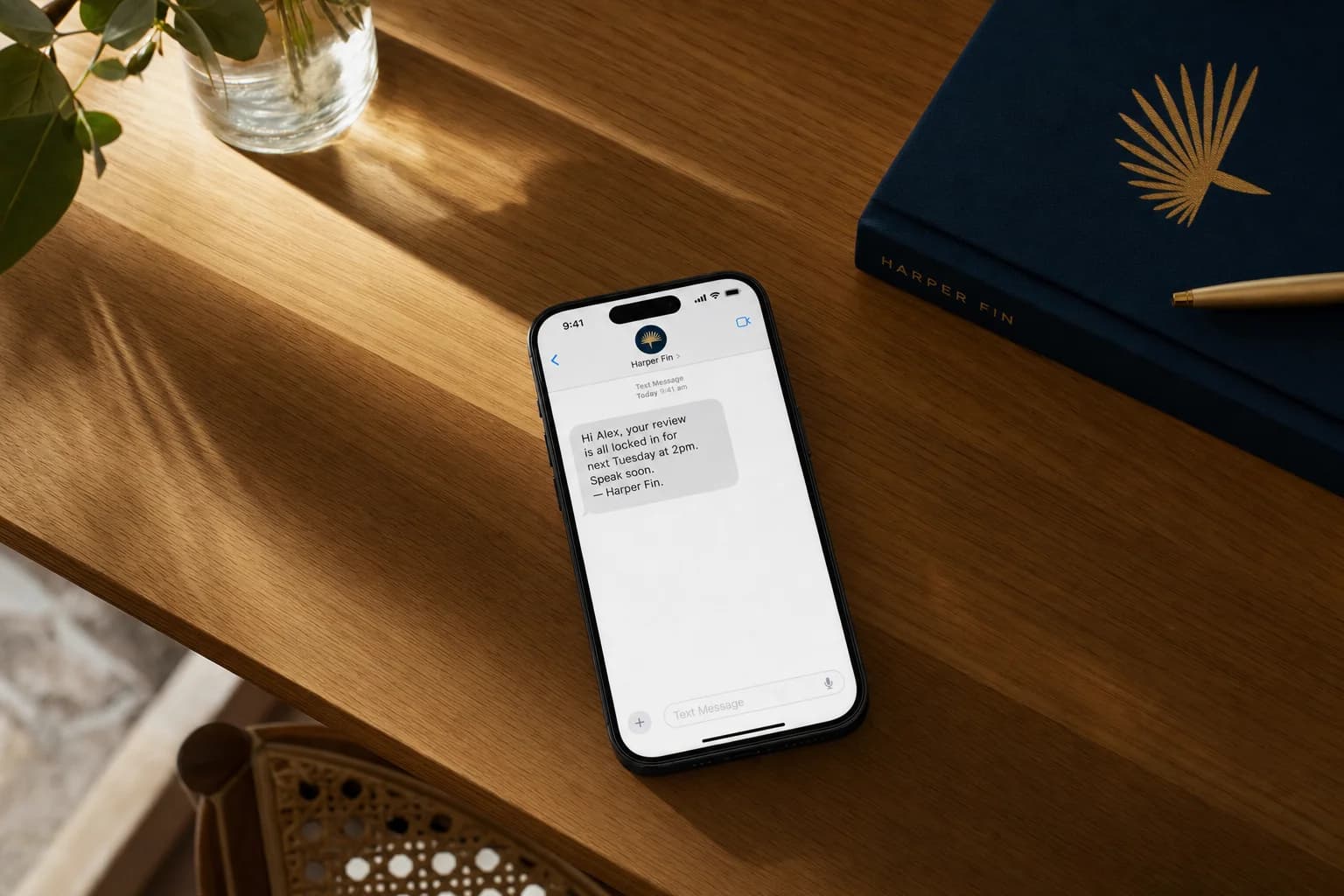
Gym automation connects member events, business rules and approved actions so routine work happens consistently across the member journey. It can confirm bookings, move waitlists, follow up trials, prompt review requests after genuine milestones, flag a change in attendance and create renewal or payment tasks. The goal is not to send more messages. It is to make the next useful action visible and give staff a clear way to handle exceptions. A good system also records consent, allows people to unsubscribe, limits unnecessary data collection and measures outcomes such as attendance, trial decisions and waitlist movement. For Australian gyms, studios and fitness businesses, the best starting point is one repeated bottleneck with a named owner and a measurable result. LUNA Systems maps and builds automation for gyms and fitness studios, using custom automations and booking automation, including the handoffs between your booking, communication and team workflows.
Key takeaways
- Gym automation connects member events, such as a completed trial or a cancelled class, with an approved next step like a confirmation, a waitlist offer or a staff task, rather than sending more messages for their own sake.
- The six systems worth building cover class booking and waitlist movement, reminders with a cancellation path, attendance signals and re-engagement, trial follow-up and lead ownership, milestones and review requests, and renewals, class packs and payment exceptions.
- LUNA Systems maps and builds automation for gyms and fitness studios, including the handoffs between booking, communication and team workflows, rather than selling a generic one-size package.
- There is no single best gym management platform and no defensible universal hours-saved figure. How much time a gym saves depends on its current volume, process quality, software access and exception rates.
- Commercial electronic messages to members must meet Australian consent, sender identification and unsubscribe requirements, and unsubscribe requests must be honoured within five working days.
Automation should support the relationship between visits.
Every stage needs a useful signal, an approved action and a person who owns the exceptions.
- 01EnquiryResponseOwner or sales team
- 02TrialFollow-upCoach or membership team
- 03OnboardGuidanceMember success owner
- 04AttendSupportCoach reviews the signal
- 05RenewDecisionMember stays in control
What does gym automation actually mean?
Gym automation is the use of software to notice an event and carry out an approved next step. The event could be a class booking, a completed trial, a cancelled place, a low class-pack balance or a change in a member's usual attendance. The next step might be a confirmation, a waitlist offer, a staff task or a carefully timed message.
The useful distinction is between a fixed rule, a behaviour signal and a decision that needs human judgement:
- A fixed rule handles a known event: a booking is made, so the system sends the approved confirmation.
- A behaviour signal highlights a pattern: attendance changes, so the system asks a coach to review it.
- Human judgement handles context: a member replies with an injury, financial concern or complaint, so the sequence stops and a person takes over.
AI may help classify a reply or summarise an interaction, but it should not turn a weak signal into a confident conclusion. A missed week is information, not proof that somebody intends to cancel.
Not every trigger should send a message.
Known event
A trial ends tomorrow.
Pattern changed
Usual attendance has dropped.
Context matters
The member replies with a concern.
What are the six gym automations worth building?
LUNA Systems builds these as custom automations and booking automation on top of the software you already use. The right sequence depends on your member journey, software and team. These six systems cover common operational gaps without assuming every gym needs the same stack.
1. Class booking and waitlist movement
Members should be able to see availability, book or cancel, and receive a clear confirmation without waiting for the front desk. When a place becomes available, booking automation can offer it to the next eligible person and record whether it was accepted.
Define the expiry window, priority rules and fallback before launch. If an offer expires, the system needs to know who is next and when staff should intervene. Track occupied places and unused bookings, not just the number of reminders sent.
2. Reminders with a cancellation path
A reminder is useful when it helps someone attend, cancel or reschedule. It becomes noise when it repeats information without offering a next step.
For each class type, decide when a reminder is appropriate, which channel the member has agreed to use, and where the cancellation link leads. Early sessions may need different timing from appointments booked weeks ahead. Keep the message factual and make the member's options easy to understand.
3. Attendance signals and re-engagement
A fixed “day 10” message is rarely the best definition of disengagement. A weekly member may look quiet after one missed visit, while a monthly client may not. A better custom automation compares recent activity with the member's normal pattern and creates an appropriate next step.
Low-risk signals can create a coach task or place the member in a review queue. If a message is approved, it should be supportive rather than presumptive. Replies that mention injury, access, billing or dissatisfaction should pause the sequence and go to a person.
4. Trial follow-up and lead ownership
Trial follow-up works best when every enquiry has a status and an owner. After a trial, the system can ask for feedback, record the response and remind the right team member when a human reply is needed.
Do not treat every non-response as permission for an endless sales sequence. Define the contact window, stop conditions, consent basis and outcome labels before the first message goes out. If calls are regularly missed during classes, an AI receptionist can capture the enquiry and route it into the same controlled process.
5. Milestones and review requests
A genuine milestone can be a natural time to acknowledge progress and, where appropriate, ask for feedback. The trigger might be a completed challenge, a membership anniversary or a member-approved achievement.
Review and reputation automation should make leaving honest feedback easy without filtering unhappy members away from public review options. Record the request, respect the member's communication preferences and let the experience, not an incentive or prewritten answer, shape the review.
6. Renewals, class packs and payment exceptions
Fixed-term memberships, expiring packs and failed payments create different workflows. Automation can identify the event, provide a self-service route where one exists and create a task when staff action is required.
Keep billing messages accurate and calm. Define what the system may say, when access changes, who can correct an account and how disputes are handled. For renewals, the member should remain free to decide without manufactured urgency.
What software do gyms use?
There is no single “best” gym platform. Products such as GymMaster, Mindbody, Glofox, ClubReady, Momence and PushPress describe combinations of membership management, scheduling, billing, communication, check-in or reporting features. They are examples, not endorsements, and this list does not mean LUNA Systems has confirmed every integration or workflow. LUNA Systems layers automation on top of whichever platform a gym already runs. It does not require switching platforms, and it does not claim a certified partnership with any of them.
Choose from the operating model backwards. A 24-hour access gym, a reformer studio, a CrossFit box and a mobile PT business may need very different booking rules, payment handling and staff permissions.
| Check before choosing or connecting software | Why it matters |
|---|---|
| Does it provide the API, webhook, export or account access the workflow needs? | A platform can advertise integrations without exposing the exact action you require. |
| Who owns the member data and can it be exported in a usable format? | You need a practical exit path and reliable reporting. |
| Are consent, channel preference and unsubscribe states available? | Communication rules must follow the member across the workflow. |
| Can failed messages, payments and syncs create visible exceptions? | Silent failures make automation look successful when work was missed. |
| Is there a safe way to test with sample records? | Live member data should not be the first test environment. |
| Can staff see the history and take over? | A person needs enough context to resolve the issue. |
What should a gym measure after automation?
Measure the operational result the system was built to improve. “Automations run” and “messages sent” confirm activity, but they do not show whether members were helped or staff workload became easier to manage.
Track member movement, not automation volume.
“Messages sent” is an activity count. These measures show whether the member journey is becoming easier to manage.
Is the member’s normal pattern changing?
ReviewWere booked places actually used?
ReviewDid a cancellation become another booking?
ReviewDid the prospect join, decline or need a reply?
ReviewWas the member helped, handed over or unsubscribed?
ReviewWhich cohorts stay, pause or cancel over time?
ReviewCreate a baseline before launch, then compare the same measure after the workflow has had enough time to operate. Useful definitions include:
- Class utilisation: attended places divided by places available, with cancellations and no-shows shown separately.
- Waitlist movement: places offered, accepted, expired and ultimately attended.
- Trial outcome: joined, declined, undecided, unreachable or waiting for a human response.
- Attendance trend: change against the member's own recent pattern, reviewed by cohort rather than used as a verdict on an individual.
- Response outcome: resolved automatically, handed to staff, opted out or still open.
- Retention: members who remain, pause or cancel within a clearly defined cohort and time window.
Choose a review rhythm and a person responsible for each measure. If nobody owns the exception report, the automation has only moved the admin into a different screen.
How much time can gym automation save?
There is no defensible universal hours-saved figure. Time saved depends on current volume, process quality, software access, exception rates and how much human care the workflow deliberately preserves.
Record a simple baseline for two to four representative weeks. Count handling time as well as the interruptions created by switching between inboxes, spreadsheets and booking tools.
| Workflow | Baseline to record | System action | Human responsibility |
|---|---|---|---|
| Booking changes | Requests, minutes per request, missed changes | Confirm, cancel or offer a waitlist place | Resolve edge cases |
| Trial follow-up | Trials, follow-up attempts, open replies | Schedule approved steps and record status | Answer questions and make the offer |
| Attendance review | Records checked and time spent | Surface changes against an agreed rule | Review context and decide whether to act |
| Review requests | Eligible milestones and manual requests | Send the approved request when eligible | Respond to feedback |
| Payment exceptions | Failed or expiring accounts and handling time | Create an accurate notice or staff task | Correct accounts and handle disputes |
After launch, subtract the time still spent on exceptions, quality checks and maintenance. That gives a far more useful saving estimate than a generic promise.
What does gym automation cost, and how do you calculate ROI?
The cost depends on the number of systems involved, data quality, workflow complexity, permissions, message volume, AI use, reporting and ongoing support. A single booking handoff is a different project from a multi-location member lifecycle.
Use this practical equation:
Annual value = verified admin time released + recovered capacity + attributable member value - software, messaging, build and maintenance costs.
Only include revenue that can be linked to the workflow. For example, count a waitlist place that was offered, accepted and attended, not every person who received an SMS. Keep retained-member assumptions separate from new-member revenue and review them by cohort over time.
LUNA Systems scopes custom business automation after mapping the current process, the desired action and the failure paths. That keeps the proposal tied to a real workflow instead of a public one-size-fits-all price. If you are not sure yet whether it is worth doing, 5 signs your business is losing money without automation is a good first check.
What privacy and SMS rules apply in Australia?
This section is general operational information, not legal advice. The rules that apply depend on the organisation, data and communication.
Where the Australian Privacy Principles apply, the Office of the Australian Information Commissioner says an organisation should collect only personal information reasonably necessary for its functions or activities. Sensitive information generally needs consent and a direct connection to the organisation's functions or activities. That matters when a fitness workflow handles health information or uses AI to infer information from member activity.
For commercial electronic messages, the Australian Communications and Media Authority explains that businesses need consent, clear sender identification and a working unsubscribe method. Unsubscribe requests must be honoured within five working days.
Practical controls include:
- store the source and scope of communication consent;
- carry unsubscribe and channel-preference changes into connected systems;
- collect the minimum member data needed for the approved purpose;
- limit staff and vendor access by role;
- document retention and deletion rules;
- stop automated sequences when a person needs to take over;
- test exports, errors and opt-outs before the workflow goes live.
Seven questions to ask an automation provider
A useful system should be understandable, interruptible and owned by the fitness business.
- 01
Can the system explain why a member was selected for an action?
- 02
Can staff pause the automation and see the full conversation?
- 03
Does it collect only the data needed for the approved purpose?
- 04
Are marketing consent and unsubscribe states carried across channels?
- 05
Can you export your member, message and outcome data?
- 06
What happens when an integration, payment or message fails?
- 07
Will reporting show outcomes rather than only sends and opens?
Frequently asked questions
Gym automation questions
What is gym automation?+
Gym automation connects member events, business rules and approved actions so routine work happens consistently. It can confirm bookings, move waitlists, create follow-up tasks, send reminders and surface changes in attendance for a staff member to review.
What software do gyms use?+
Australian gyms use platforms such as GymMaster, Mindbody, Glofox, ClubReady, Momence and PushPress, among others. LUNA Systems layers automation on top of whichever platform a gym already runs, rather than replacing it or claiming a certified partnership with any one of them. The right choice depends on the business model, required workflows, data access, integrations and reporting. A product list is a starting point, not a recommendation.
Will automation make my gym feel impersonal?+
It can if every signal triggers a generic message. A better system uses automation for timing and consistency, gives members control over communication, and hands sensitive or unusual situations to a person.
Does gym automation work for a small PT studio?+
Yes, if the workflow solves a real bottleneck. A small studio may only need booking confirmations, trial follow-up and payment exception tasks. The system should match the volume and complexity of the business rather than copying a large gym stack.
How long does gym automation take to set up?+
Timing is scope-dependent. A contained workflow can be faster than a multi-system member journey with data migration, permissions and testing. Map the trigger, action, owner, exception and success measure before accepting a delivery estimate.
Can I keep my existing gym management software?+
Often, but compatibility needs to be checked first. Confirm that the existing platform provides the required API, webhook, export or account access, then test the actual workflow. Do not assume that a listed integration supports every action you need.
What is the difference between rules-based automation and AI?+
Rules-based automation follows a known instruction, such as sending an approved reminder before a booking. AI can help classify or summarise less structured information, but it still needs boundaries, review rules and a clear human handoff.
What Australian privacy and messaging rules should gyms consider?+
Where the Australian Privacy Principles apply, collect only information reasonably necessary for the stated purpose and take extra care with sensitive information. Commercial electronic messages must meet Australian consent, sender identification and unsubscribe requirements. Seek legal advice for your specific circumstances.
Want this mapped for your own member journey? See LUNA’s automation service for gyms.
Build the first useful gym automation
Start with one repeated gap: missed trial follow-up, manual waitlist work, unclear payment exceptions or attendance changes nobody has time to review. Give it a trigger, an approved action, an owner, a stop condition and one outcome measure.
Explore LUNA Systems' automation service for gyms and fitness studios, or book a workflow discovery call to map what should happen, what should stay human and what your existing software can reliably support.

Founder, LUNA Systems · Registered Nurse (AHPRA: NMW0002113429)
Former nurse and beauty therapist turned automation consultant. Justine builds custom AI systems for Australian service businesses, so they can stop chasing leads and start growing.
Want automation tips in your inbox?
Get weekly insights on business automation. No spam, unsubscribe anytime.